
Platform Engineering for Solo Builders: How I Built an IDP for a One-Person SaaS
You don't need a 200-person engineering org to benefit from an internal developer platform. Here's how I set up Port.io, Terraform, SonarCloud, and Jira for Herp Ops, a SaaS I build alone.
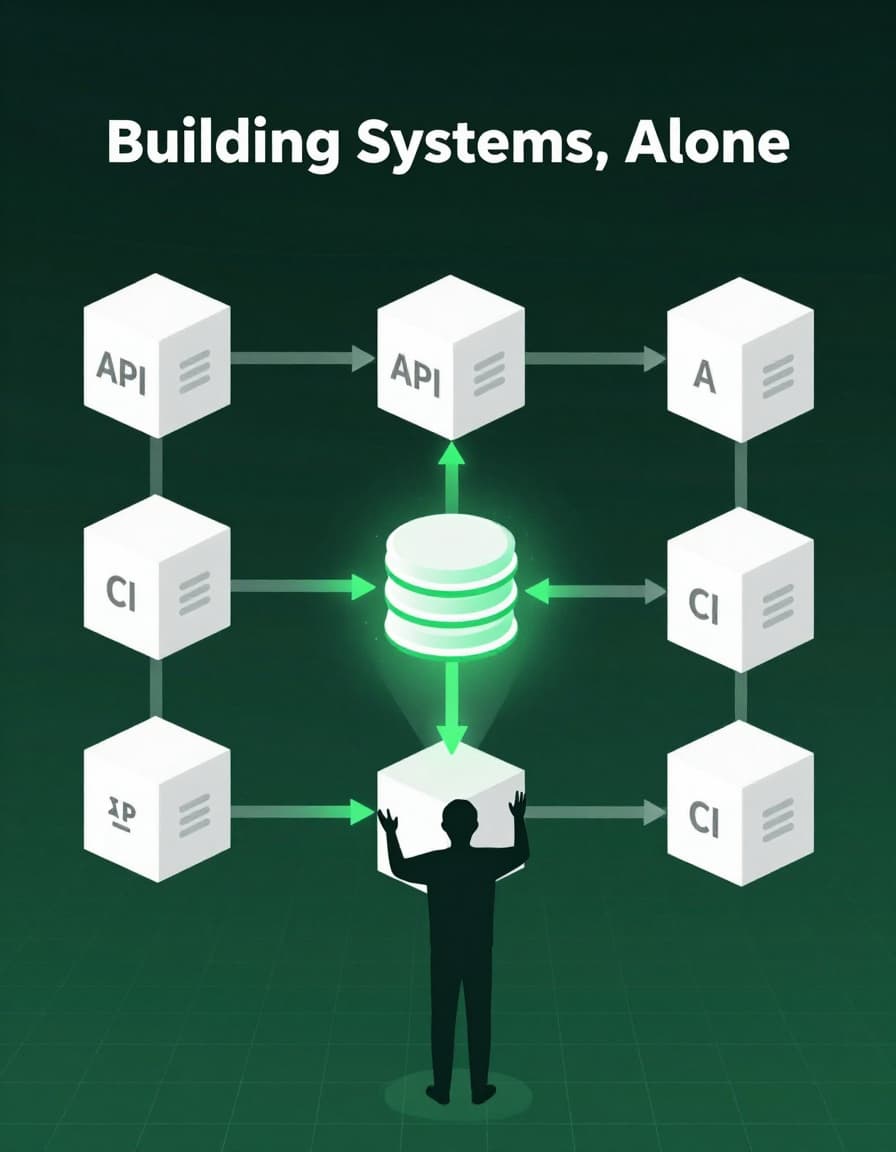
Why Solo Developers Need Platform Engineering Too
Here's something I wish more developers knew: you don't need a 200-person engineering org to benefit from platform engineering. In fact, if you're building a SaaS solo or with a small team, you might need it even more.
I recently set up an internal developer platform for Herp Ops, a reptile care SaaS I build alone. The centerpiece? Port.io, and honestly, I'm a huge fan. It's transformed how I work, and I think way more solo builders and small teams should be giving it a shot.
This post is my love letter to Port and the other tools that make platform engineering accessible to developers at any scale. If you've been thinking platform engineering is "overkill" for your project, I'm here to change your mind.
The Stack
| Layer | Tool | What It Does |
|---|---|---|
| Catalog | Port.io | Single source of truth. Connects GitHub repos, deployments, code quality, and usage metrics into one queryable platform. |
| Infrastructure | Terraform + Terraform Cloud | All catalog configuration as code, version-controlled, reviewed via PR. No click-ops. |
| Code Quality | SonarCloud | Automated quality gates on every PR. Catches real bugs before production. |
| CI/CD | GitHub Actions + Railway + Vercel | Zero-config deployments on merge. Fully automated from push to live. |
| Issue Tracking | GitHub Projects | Lightweight backlog tied to code |
| Backend | Railway (FastAPI/Python) | Managed hosting with built-in observability |
| Frontend | Vercel (Next.js/TypeScript) | Edge-deployed frontend with preview deploys on every PR |
Port.io: The Software Catalog That Changed Everything
Here's where I have to gush about Port.io for a minute. Port is the absolute hub of my entire development workflow. Everything connects to it: services, deployments, code quality metrics, user data, roadmap items. It's like having a mission control dashboard that actually understands your entire system.
The catalog has blueprints for:
- Services:
api,frontend,herp-ops-landing,herp-ops-infra,roadmap,herp-ops-ai - Environments: production and staging for each service
- GitHub repos and PRs: synced automatically via the GitHub Ocean integration (seriously magical)
- SonarCloud projects: test coverage, bugs, vulnerabilities, code smells
- Railway services: deployment status, environment variables
- Vercel deployments: deployment status, domains
- Users: every user who signs up syncs to Port with subscription tier and usage stats
- Beta signups: the waitlist funnel
The AI Agent That Actually Gets It
One of Port's killer features is the built-in AI agent. It's not just some chatbot. It's GPT-4o with your entire catalog as context. I can literally just ask it questions:
"What's the code quality status for both services?" "How many users are on the Pro tier?" "Show me recent deployments"
And it answers. Instantly. With links to the actual entities. No custom integration needed, no weeks of configuration. It just works.
This is the kind of developer experience that makes you wonder why everyone isn't using Port yet.
Everything Is Code (This Is Where It Gets Really Good)
Here's what makes Port truly special for me: everything can be managed as code. Every blueprint, scorecard, entity, and action is defined in Terraform. That means version control, code review, reproducibility. All the things that keep solo projects from turning into click-ops nightmares.
# Example: Service blueprint definition
resource "port_blueprint" "service" {
  title       = "Service"
  icon        = "Service"
  description = "A microservice or deployed application"

  properties = {
    # GitHub integration syncs these
    repo_url   = "string"
    language   = "string"
    framework  = "string"
    # Quality gates
    test_coverage = "number"
    open_issues   = "number"
  }
}
The full structure looks like:
terraform/port/
├── blueprints.tf    # all schema definitions
├── entities.tf      # seed data + import blocks
├── scorecards.tf    # quality rules
├── actions.tf       # self-service actions
├── main.tf          # provider config
└── variables.tf     # configurable values
Terraform Cloud runs plan and apply on every PR and merge. No click-ops in the Port UI. If I want to add a property to a blueprint, I open a PR. My future self (and anyone who might join the project) can see exactly how the platform evolved through the git history.
This is huge even as a solo builder. Without IaC, your catalog configuration drifts. You forget what you clicked six months ago, you can't review changes, and you definitely can't reproduce the setup if you had to start over. With IaC, the git log is your audit trail, and your entire platform is recoverable from a cold start.
Port v2 provider note: Port's Terraform provider uses typed sub-maps
(string_props, number_props, boolean_props) rather than a flat properties map. The
migration from v1 is documented and pretty straightforward with AI assistance if you
have existing blueprints.
Scorecards: Gamifying Quality (In the Best Way)
Port's scorecard feature is genuinely brilliant. You define rules that evaluate service quality and surface a Bronze/Silver/Gold status. It's like having a helpful senior engineer constantly evaluating your services, except it never sleeps and it's never in a bad mood.
My production_readiness scorecard checks:
Bronze (any service must have):
- CI/CD configured
- A README
- A health check endpoint
Silver adds:
- Test coverage ≥ 60%
- SonarCloud quality gate passing
- On-call runbook URL
Gold adds:
- Test coverage ≥ 80%
- No open critical Sonar issues
- Deployment documented
The API is at Gold (96.6% coverage, and I'm oddly proud of this). The frontend is at Silver (75.5%, working my way to that 80% target). These aren't arbitrary numbers. They're the exact questions I'd ask about any service I was about to hand off to someone else or deploy to production.
What I love about this is that it creates concrete, measurable goals. Instead of "I should probably add more tests," it's "5% more coverage gets me to Gold." That intrinsic motivation hack works surprisingly well, even when you're the only developer.
Self-Service Actions: Automation That's Actually Discoverable
Port's self-service actions are another feature that absolutely nailed the developer experience. They're forms that trigger GitHub Actions workflows, but what makes them special is that they're discoverable, documented, and living right inside your platform. Not buried in a Notion doc nobody remembers exists.
The actions I've built:
- scaffold_service: creates a new repo from a template, wires CI/CD, registers in catalog (this saves me 30+ minutes every time)
- trigger_deployment: redeploys a Railway service without leaving Port
- sync_openapi_spec: fetches the latest API spec and upserts it into Port
- reset_demo_data: resets the demo account in the app (perfect for before demos)
- send_beta_invite: marks a betaSignup entity as invited
Sure, as a solo developer I'm the only one using these actions right now. But the real value is having automation that's documented, versioned, and doesn't require remembering obscure terminal commands. Future me (and any future teammates) will thank present me for setting this up.
Plus, it feels really good to just click a button and watch complex automation run. That's the kind of developer experience I wish more tools prioritized.
Closing the Loop with Integrations
One of Port's strengths is its rich integration ecosystem. The Jira integration (via Jira Ocean) closes a feedback loop I find genuinely valuable: users can file feature requests directly from the app's AI chat widget. The chat detects the intent, creates a Jira issue in the HOFR (Feature Requests) project, and the Jira Ocean integration syncs it into Port.
From Port I can see:
- What features users have asked for
- Which service the request relates to
- Whether it's been prioritized onto the roadmap
That's the kind of product visibility that usually requires a product manager and weekly sync meetings. With Port and the right integrations, it just... exists. Automatically. In real-time.
Note: After using Jira for a few months, I'm planning to switch back to GitHub Projects. It's simpler for one person, and everything already lives in GitHub. But the fact that Port made the Jira integration this seamless shows how flexible the platform is.
Was It Worth It? Absolutely.
Let me be clear: setting up Port.io was one of the best technical decisions I've made for this project. I'm genuinely enthusiastic about it because it solved so many problems I didn't even realize I had.
Worth it from day one:
- Port.io: the catalog, AI agent, and integrations transformed my workflow immediately; seeing everything in one place is game-changing
- SonarCloud quality gates: caught real bugs before they hit production; paid for itself in week one
- Terraform for catalog config: already saved me from drift multiple times; absolutely essential for reproducibility
- Railway + Vercel + GitHub Actions: zero-touch deploys are genuinely freeing; I never think about deployments anymore
Incredible long-term investment:
- Port scorecards: enforce standards before technical debt compounds; critical if this becomes a team
- Self-service actions: handy now, invaluable once there are more repetitive operations or other people
- The Port ecosystem: more integrations mean more value over time; this compounds as your system grows
Why You Should Try Port
If you're a solo developer or on a small team, I seriously encourage you to give Port a shot. Here's why:
- The free tier is generous. You can get real value without paying anything.
- Setup is surprisingly fast. I had the basic catalog running in under an hour.
- It grows with you. Start simple, add integrations as you need them.
- The developer experience is thoughtful. Port clearly understands what developers actually need.
- It prevents future pain. Much easier to set up now than to retrofit later.
My recommendation for getting started:
- If you're solo with 1-2 repos: Start with SonarCloud + GitHub Actions, add Port when you want better visibility
- If you have 3+ services: Jump straight to Port + Terraform. You'll immediately feel the benefit of having everything cataloged.
- If you're thinking about hiring: Set up Port now and save yourself weeks of documentation and onboarding pain later
The honest truth: This isn't about having a "real" platform engineering setup for credibility. It's about not making decisions you'll regret two years from now when the system is bigger and harder to change. The time to establish good habits and solid infrastructure is before you're in the middle of an incident wondering why nothing is observable.
Port makes this accessible. That's why I'm such a fan, and why I think more developers should be using it.
Join the Discussion
I'd love to hear about your platform engineering setup, especially if you decide to try Port! Come join our Discord community where we talk about:
- Platform engineering for small teams and solo developers
- Infrastructure as code patterns
- DevOps automation and tooling
- AI-assisted development workflows
- Code quality and testing strategies
Whether you're just getting started or have years of experience, the community is super welcoming. Plus, it's a great place to get feedback on your Port setup or troubleshoot any issues you run into.
Resources
- Port.io: seriously, check this out; the free tier is perfect for getting started
- Port.io docs: excellent documentation for the catalog, scorecards, and actions
- Port Terraform provider: manage everything as code
- Herp-Ops GitHub org: the infra repo is public if you want to see the Terraform setup
- SonarCloud: essential code quality gates
- Herp Ops: the actual product (come check out what this platform enables!)
If you end up trying Port, I'd love to hear about your experience. Hit me up on Twitter/X or join the discussion in the comments below.
Real-World Platform Engineering in Your Inbox
One email a week. Deep dives on Kubernetes, homelab builds, platform tooling, and building in public from someone who does this for a living.
No fluff, no sponsored blasts. Unsubscribe any time.
Reach Engineers Who Build Platforms
My readers are Staff Engineers, Platform Engineers, and DevOps/SRE leads — the people who evaluate, buy, and recommend infrastructure tooling at their companies.
- → Sponsored posts, newsletter placements, and resource page features available
- → Audience: platform engineering, Kubernetes, GitOps, and homelab builders
- → Formats tailored to technical audiences — no generic ad copy
Related Posts
How to Think Like a Platform Engineer: Introducing Greybeard's Platform Engineering Pack
A thinking tool to catch bad platform decisions before they cost 6 months of engineering time
Build Your First MCP Server: Give Claude Superpowers Over Your Homelab
Learn how to build a custom MCP server in Python that lets Claude directly query your Kubernetes cluster, check running containers, and manage your homelab. No more copy-pasting terminal output.
Kubernetes on Proxmox: GitOps Automation with ArgoCD
Implement GitOps workflows for automated, declarative deployments using ArgoCD - manage your entire homelab from Git